Outdoor 3D scan
FPV drone flight: Tunis — old town streets
A real place scanned in 3D. Fly it with a simulated FPV drone right in the browser.
Free, in the browser: your radio over USB, a gamepad or the keyboard.
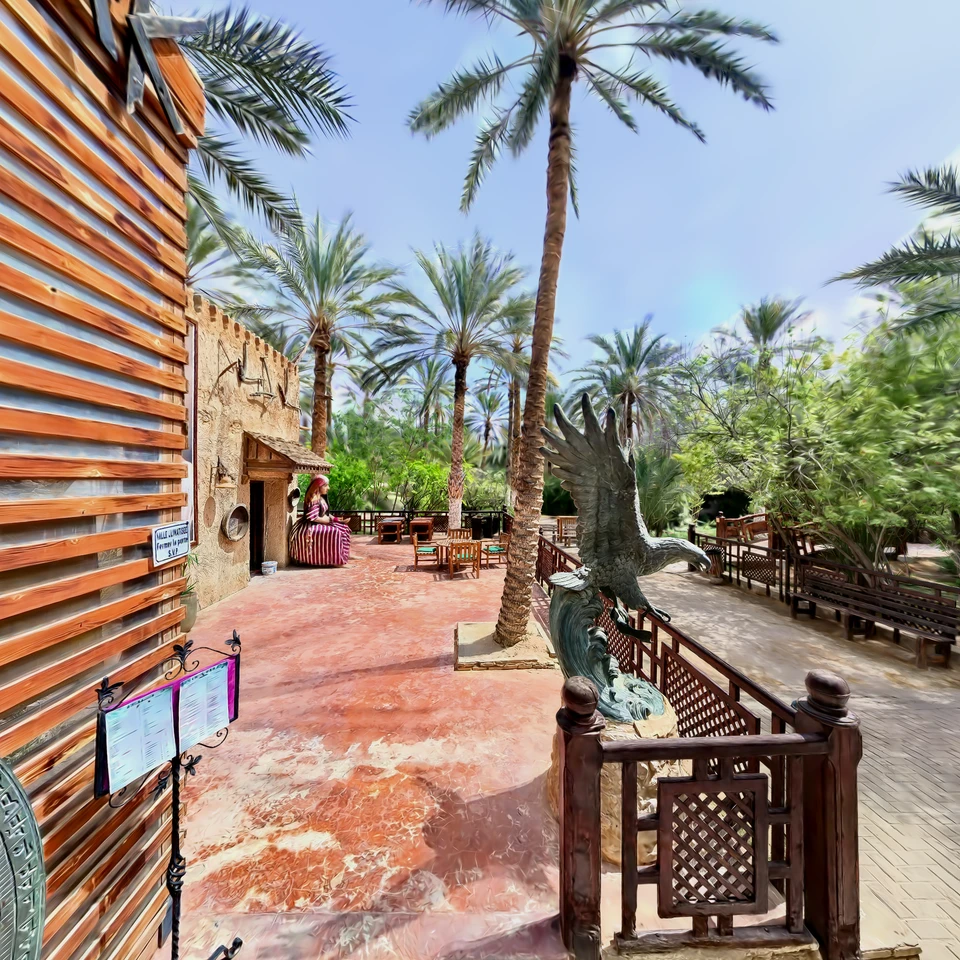
This is a 3D Gaussian splatting scan of a real outdoor place. Scanned by Andrii Shramko and published on SuperSplat. It has collision voxels of 5 cm, so the walls are solid: the drone crashes into what it hits, as a real one would. Default drone: BetaFPV Pavo20 Pro class, 3S. More presets and your own Betaflight rates are in the settings.
Questions and answers
Can I fly “Tunis — old town streets” without installing anything?
Yes. Open the scene in a desktop browser with WebGPU (Chrome or Edge), connect an EdgeTX radio over USB or a gamepad, or use the keyboard, and fly. It is free and nothing is installed.
Does the drone crash into the walls of “Tunis — old town streets”?
Yes. The scan has collision voxels of 5 cm, and the simulator tests the drone's whole path against them, so it crashes, tumbles and respawns instead of flying through. The walls can be switched off with the C key.
Who made this scan, and may I use it?
Andrii Shramko scanned it and published it on SuperSplat under CC BY 4.0. The simulator loads it from SuperSplat's CDN and credits the author on screen; for any other use, follow the licence.
Can I change the size of the scene?
Yes. The [ and ] keys scale the whole scan around the drone from ×0.25 to ×100, the walls with it: a room can fly like a city, a street like a table-top model.
Scan Tunis — old town streets · by Andrii Shramko · licence CC BY 4.0
The scan loads straight from SuperSplat's CDN into your browser; the author's name stays on screen while you fly.
More places to fly
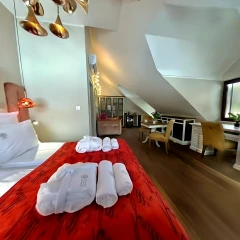 Modlinek Villa — red room and bathroomInterior 3D scan · walls
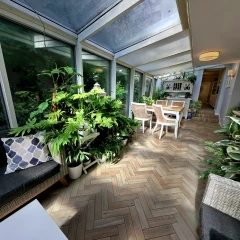 Winter Garden, PolandInterior 3D scan · walls
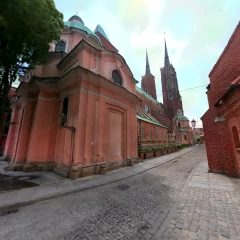 Wrocław Cathedral & Historic Streets — FPV Simulator Scan3D scan · no walls
 Forest Floor Scenery3D scan · no walls
 Housefly (Musca domestica) optimised (1 million splats)3D scan · no walls
 Lublin Poland 20253D scan · no walls
All places to flyCatalogue updated: 22 October 2026