3D scan
FPV drone flight: yamato koriyama castle
A real place scanned in 3D. Fly it with a simulated FPV drone right in the browser.
Free, in the browser: your radio over USB, a gamepad or the keyboard.
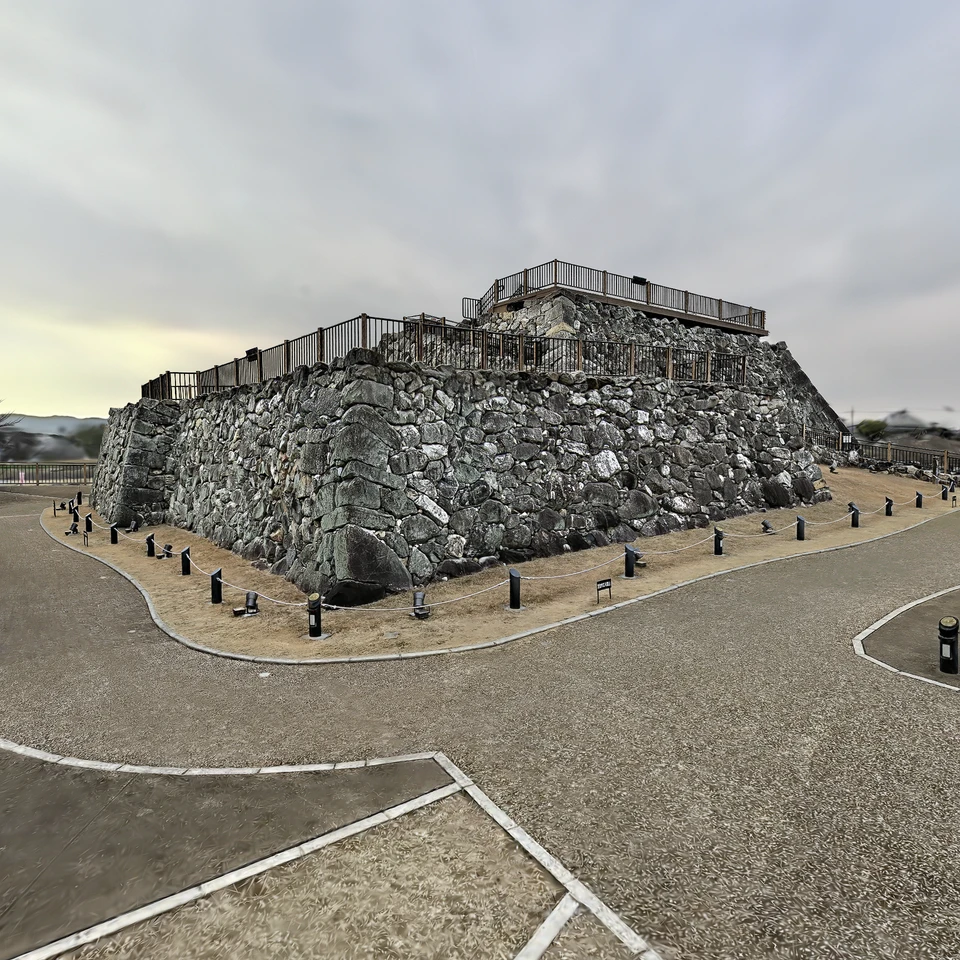
This is a 3D Gaussian splatting scan of a real place or object. It has collision voxels, so the walls are solid: the drone crashes into what it hits, as a real one would. Default drone: BetaFPV Pavo20 Pro class, 3S. More presets and your own Betaflight rates are in the settings.
Questions and answers
Can I fly “yamato koriyama castle” without installing anything?
Yes. Open the scene in a desktop browser with WebGPU (Chrome or Edge), connect an EdgeTX radio over USB or a gamepad, or use the keyboard, and fly. It is free and nothing is installed.
Does the drone crash into the walls of “yamato koriyama castle”?
Yes. The scan has collision voxels, and the simulator tests the drone's whole path against them, so it crashes, tumbles and respawns instead of flying through. The walls can be switched off with the C key.
Can I change the size of the scene?
Yes. The [ and ] keys scale the whole scan around the drone from ×0.25 to ×100, the walls with it: a room can fly like a city, a street like a table-top model.
Scan yamato koriyama castle · no licence stated on SuperSplat
The scan loads straight from SuperSplat's CDN into your browser; the author's name stays on screen while you fly.
More places to fly
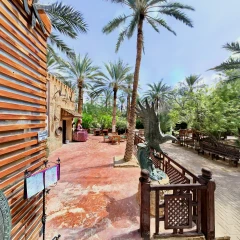 Tunis — old town streetsOutdoor 3D scan · walls
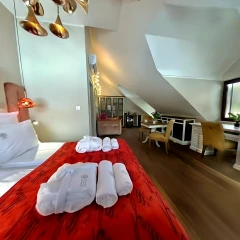 Modlinek Villa — red room and bathroomInterior 3D scan · walls
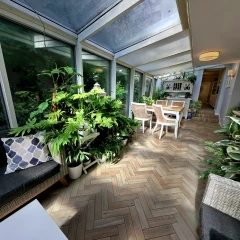 Winter Garden, PolandInterior 3D scan · walls
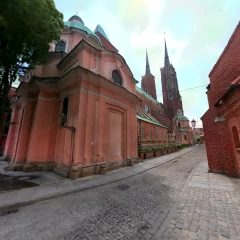 Wrocław Cathedral & Historic Streets — FPV Simulator Scan3D scan · no walls
 Forest Floor Scenery3D scan · no walls
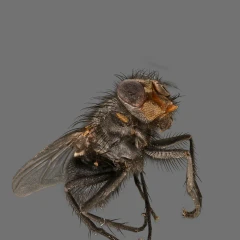 Housefly (Musca domestica) optimised (1 million splats)3D scan · no walls
All places to flyCatalogue updated: 22 October 2026